Jobs · Study abroad · Portfolios
Show
interviewers
why you’re the best fit.
AI résumé website
AI digs into what your résumé only mentions, arranges it for the job or the programme you are going for, and makes it a personal website you can send.
One site is free for good, in any look.
Mei Tanaka
I find where people give up and rewrite that step
As a UX design intern at Northwind Digital, I collected the twelve questions people phoned the help desk about and rewrote one step of a concession form around them. Drop-off fell 22%.
Opens with
UX design intern · Northwind Digital
At Northwind Digital, I collected the twelve questions people phoned the help desk about, rewrote a concession form step around them and wrote the screen text.
Then
- Design research internStudio Kaya
- Room booking that admits it is fullDesign · 2025
One set of material, a version for each goal, each at its own address.
Everyone is winging it.
What you haven’t done, the AI does for you.
Pick an entry and Boost keeps asking. What you can answer, it helps you say clearly. What you can't, the AI fills in with what someone in that role usually does, and you decide what stays.
- Company, title, dates, school and degree stay as they are, and the AI never makes up an award or a certificate.
- Every inference goes in only once you tick it.
- Numbers are left blank for you to fill in.
Boost comes with Plus, and is charged by what each step uses.
What the entry said
Helped produce weekly programmes.
What Mimi found
- ContextThin
Community radio in Melbourne, Aug 2025 to Jan 2026, but nothing on the station or the programmes.
- DutiesThin
"Helped produce" does not say what you actually did.
- MethodsMissing
No sign of how you planned, recorded or edited an episode.
- ToolsMissing
No software, equipment or workflow named.
- ResultsMissing
No episodes, audience or feedback mentioned.
- ReflectionMissing
Nothing on what you learned or changed.
Tailoring
One job, one version made for it.
Paste a job ad, or pick a programme. The AI reads what they look for, finds your proof for each part, and arranges a version: what leads, what waits. Your main site stays as it is, and every version has its own address.
What they wrote
Run usability tests with real travellers every sprint, and turn what you see into changes.
Write the words on the screens: labels, error messages, empty states.
Nice to have: experience with booking, scheduling or form-heavy products; basic HTML and CSS.
What the analysis found
- CoveredPortfolio that shows how you got to a design, with the research behind itProof: UX design intern, Room booking that admits it is full, Ledger for student clubs
- CoveredExperience testing designs with real usersProof: UX design intern, Design research intern
- CoveredClear writing, with UX writing as a plusProof: UX design intern
- PartlyComfortable working closely with engineersProof: Room booking that admits it is full
- CoveredDegree in interaction design, HCI or a related field, or equivalent experienceProof: BDes, Interaction Design, Exchange semester
So this version
yourname.exploremehere.com/for/quillmoor-junior-product-designer-ux
I find where people give up and rewrite that step
- UX design internLeads
- Design research intern
- Room booking that admits it is full↑ Moved up
- Ledger for student clubs
- BDes, Interaction Design
- Exchange semester
Left out of this version
- Volunteer producer
- Every tree on my street, mapped
Main site stays as it is
Interactive works
Open the project up, and let them click through it.
An entry can become something to explore: the work stage by stage, or the options that were weighed and the one that was chosen. The AI drafted these three from the same person's entries.
An interactive work sits on the entry's own page (Plus).
And the rest
What else it does.
Say what to change, and Mimi changes it
Plus“Make the second job shorter.” “Put the club ledger first.” Mimi can do nearly everything the editor does, using what is on your site and in your profile.
An entry can open into a page of its own
PlusOne line on the card, the whole story a click away: the background, what you did, the pictures and files from the work.
Keep your material in one place
Portfolio PDFs, certificates, screenshots and video, ready for whichever version you make next.
English and Chinese, one site
Visitors switch with one tap. Use one language or both.
Who came, and what they opened
PlusVisits, where they came from, and how often your contact, résumé and project links were clicked. No visitor is tracked.
Your own address, and a password if you want
PlusProEvery site gets yourname.exploremehere.com on publishing. Bring a domain of your own, or keep a site behind a password.
Templates
Pick a look. Every one is free.
No combination comes out ugly. Each template says who it suits, and the ones with a full example site open into it.
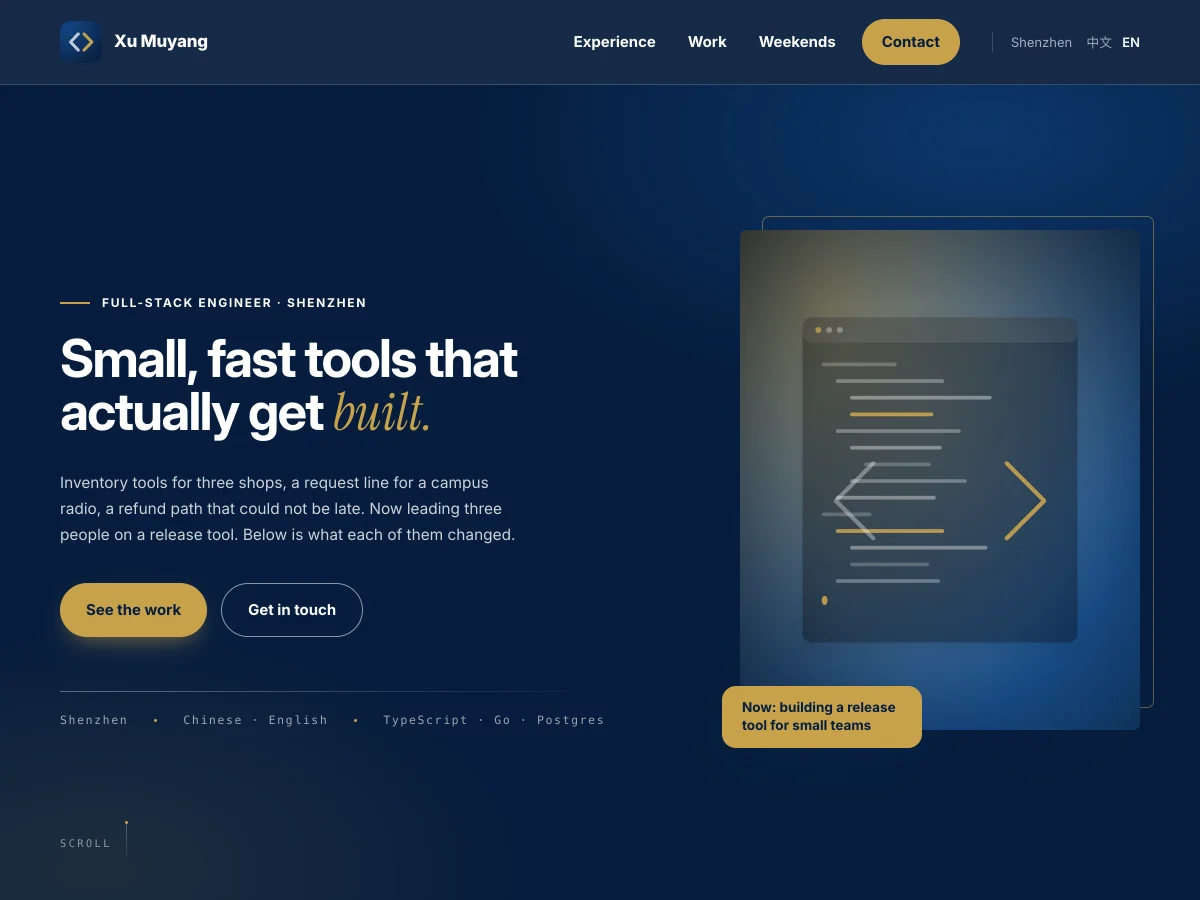 Professional4 templatesSteady and clear, so your record and your results are easy to find.
 Tech5 templatesPages that look like software and its documentation, for the people who build it.
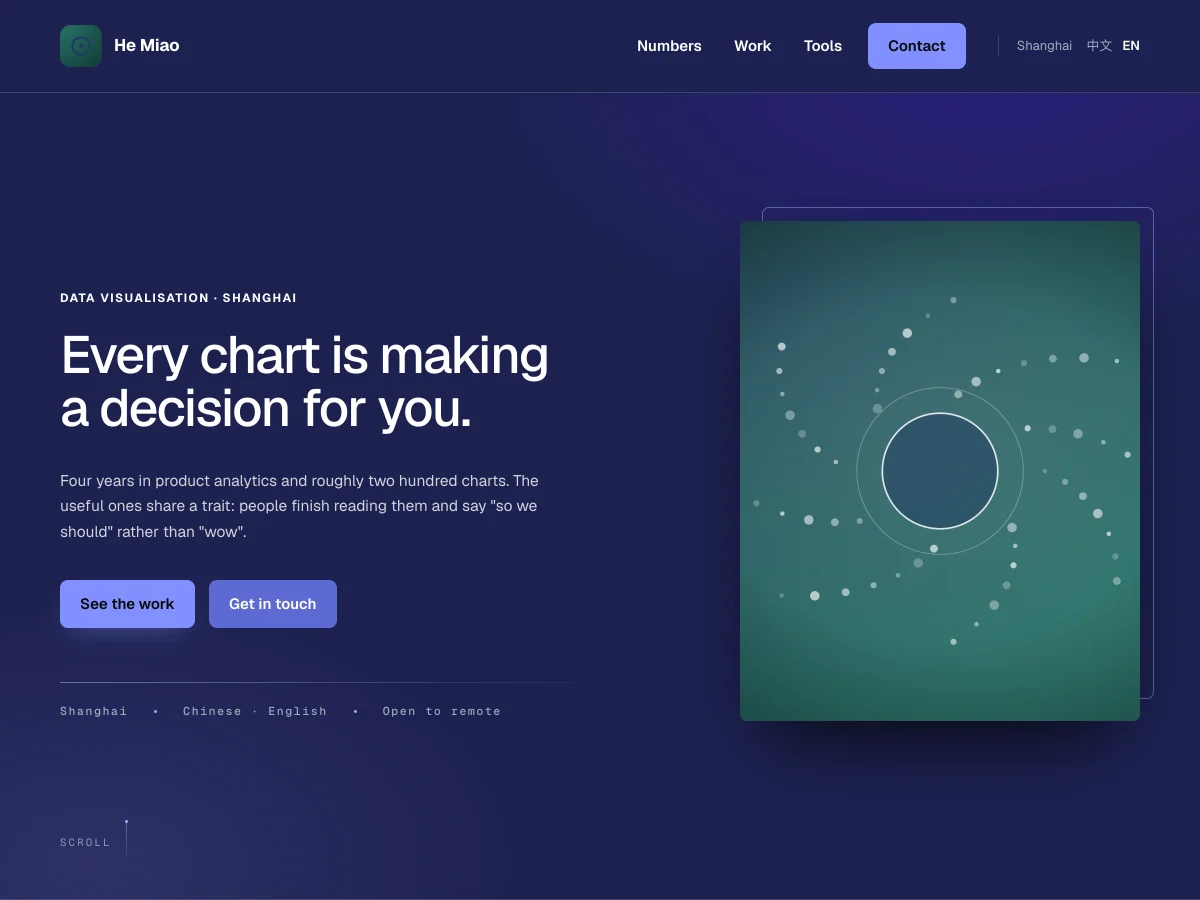
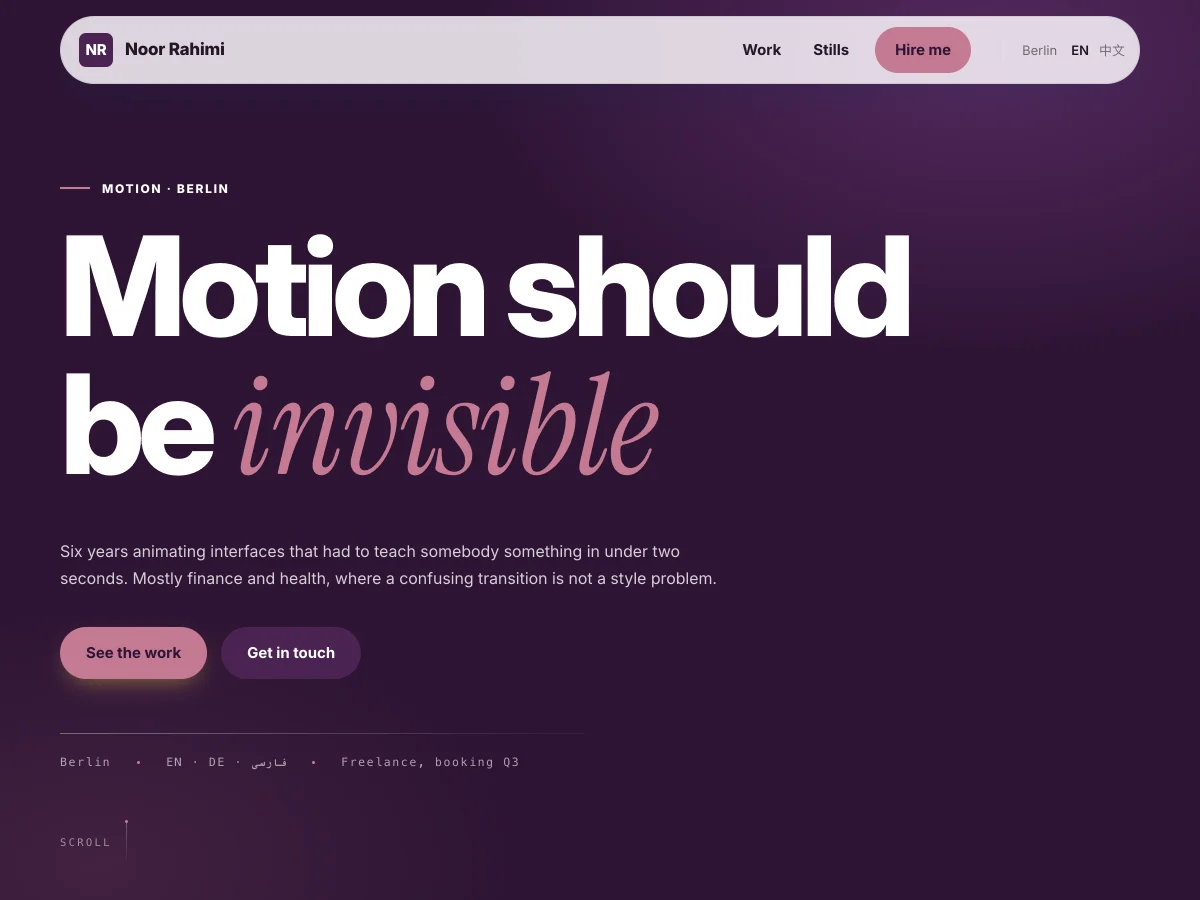 Creative6 templatesBolder pages, where the work and its pictures take the lead.
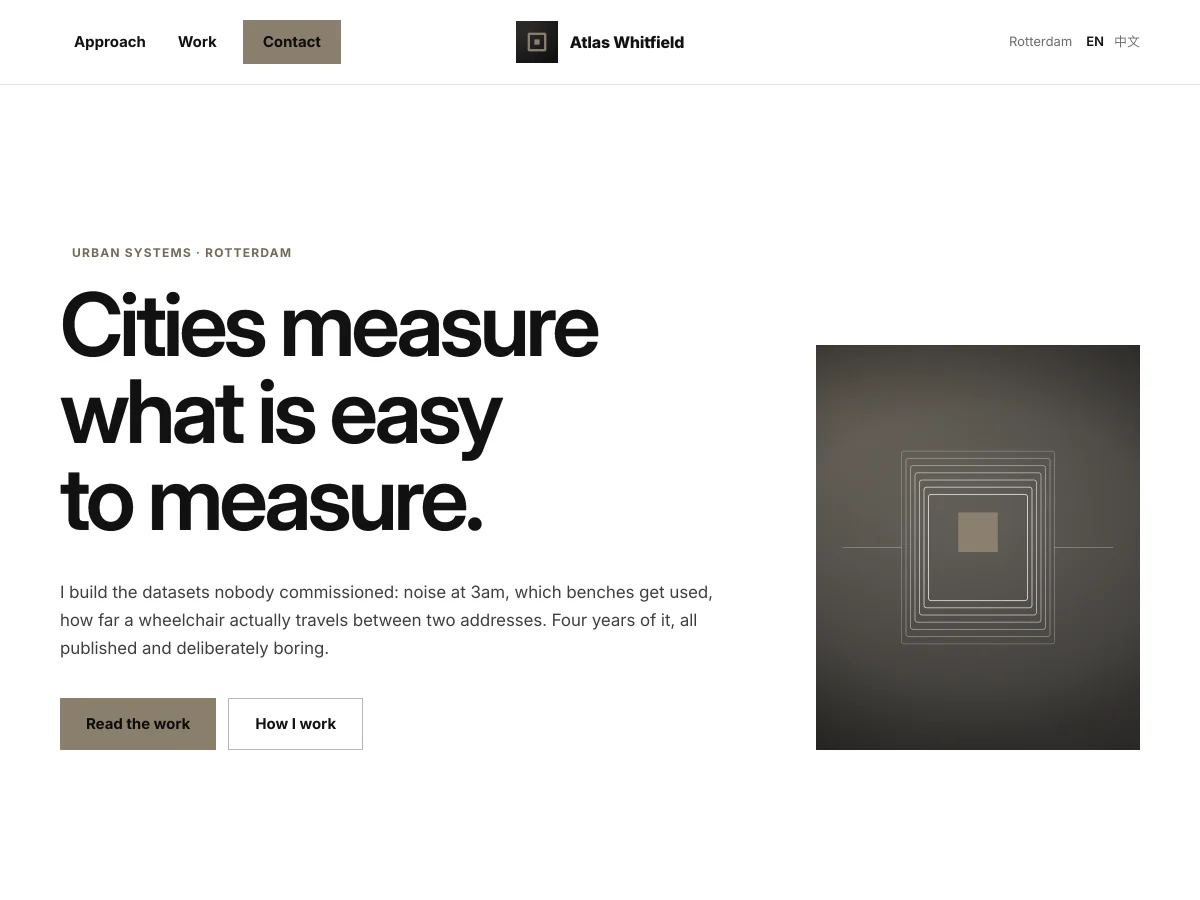 Minimal & editorial6 templatesPlenty of white space and little ornament, so the words come first.
 Warm & crafted2 templatesPaper textures and soft colours that feel friendly.
Plans
Free to start. More when you are applying.
A free site has every look and everything it needs to be sent. The paid plans add an address of your own, the numbers behind your visits, and more room to work.
Free
Make your first site and send it.
- 1 site, 1 tailored version
- Every look, palette and effect
- 120 AI credits to start (a whole site is about 66)
- 5 saved copies of each site
Plus
Applying to several places at once.
- 3 sites, 3 tailored versions
- Edit by talking to Mimi, and Boost
- A page of its own for any entry
- Visitor stats
- Your own domain
- Add, remove and reorder sections
- Search and sharing settings
- 30 saved copies of each site
Pro
Many versions, and more control over who sees them.
- 10 sites, 15 tailored versions
- Password-protect a site
- Export your content
- 100 saved copies of each site
Organisations
Advisers working with a group of students.
- A seat per student, with every Pro feature
- Optionally, a shared space where advisers and students work on drafts together
Before you start
Can I start without a résumé?
Yes. The first step is a few short questions. In the second you can upload a PDF, paste some text, reuse a résumé you uploaded before, or skip it and add things later.
How far does the free plan go?
1 site and 1 tailored version, in any look. You get 120 AI credits when you sign up, and a whole site takes about 66.
How is the AI paid for?
In credits. Most actions have a set price; talking to Mimi and Boost are charged by what they use. A button shows roughly what it costs before you press it, and when you run low you can buy a credit pack.
What does the person I send it to see?
An ordinary web page at yourname.exploremehere.com, on a phone or a computer, with nothing to sign up for. Each tailored version has its own address after /for/.
Ten minutes from now,
you have a website you can send.
01
Say who it is for
Who you are, who will read it, and your field.
02
Bring your material
A PDF, some text, an earlier résumé, or nothing yet.
03
Choose, check, publish
Pick what to show and the look, read it through, choose an address and send the link.