Resume and portfolio website templates
Each template is a whole look: layout, palette, type and motion chosen to go together. Start from any of them, and every part of it can still be changed on its own later.
23 templates · 5 categories · all free
Showing 23 templates
Editorial
ProfessionalHas a full example site- Full-window opening
- A band for your figures
- Navy and gold
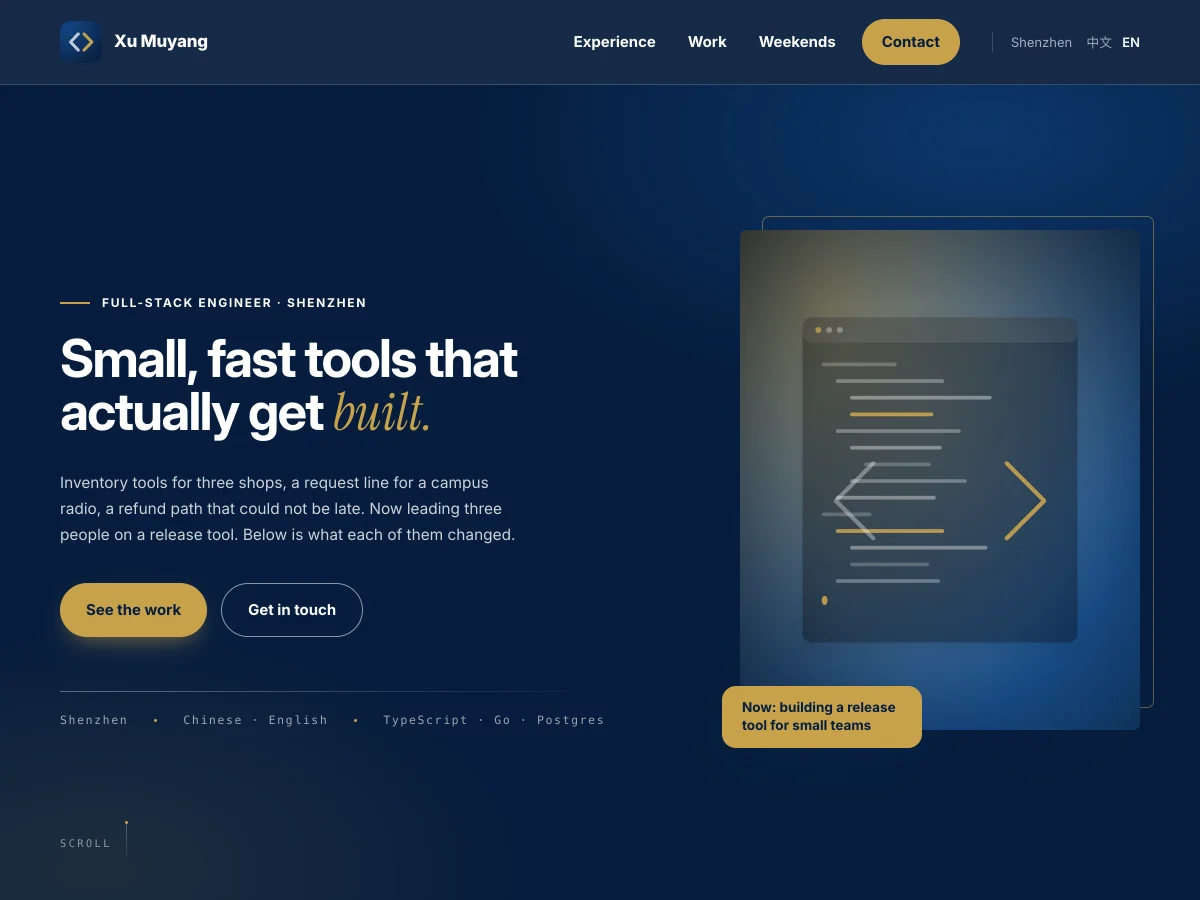
A deep navy first screen fills the window behind a heavy headline, and gold is kept for buttons and links. Your figures get a band of their own after the introduction, and the sections below alternate cream and white. The only motion is one quiet rise, so the page stays steady.
Best for: Job seekers who send a link before an interview, above all in engineering, product, finance and consulting. For a solid record you can back with numbers.
Daylight
Professional- Results first
- Counting figures
- Floating pill menu
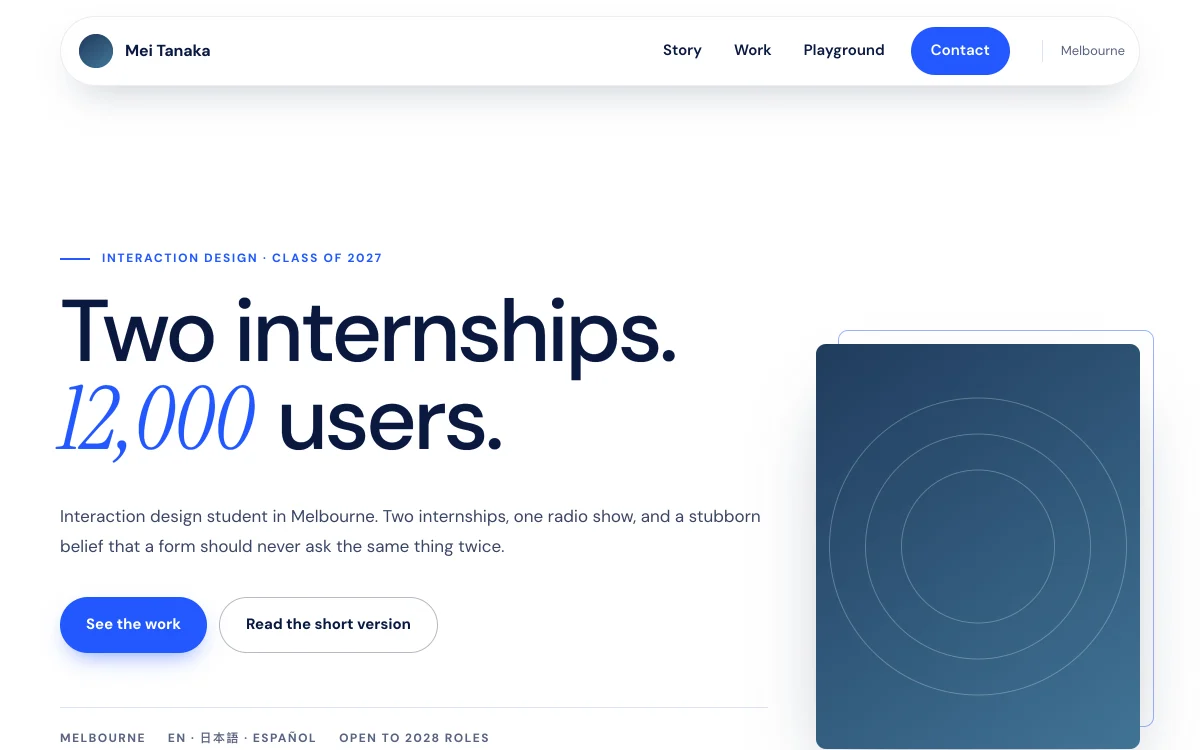
Clear blue on white, large type at a light weight, and pale blue bands between the sections. A row of figures follows the first screen and counts up as it arrives, and section titles appear word by word. The menu floats at the top as a pill, and the main button carries a slow ring of light.
Best for: Students applying for internships or graduate schemes, and people changing careers, especially in marketing, operations, data and product. Pick it when your results should come first and the page should feel bright.
Tide
Professional- Deep blue page
- Flowing gradient titles
- Split first screen
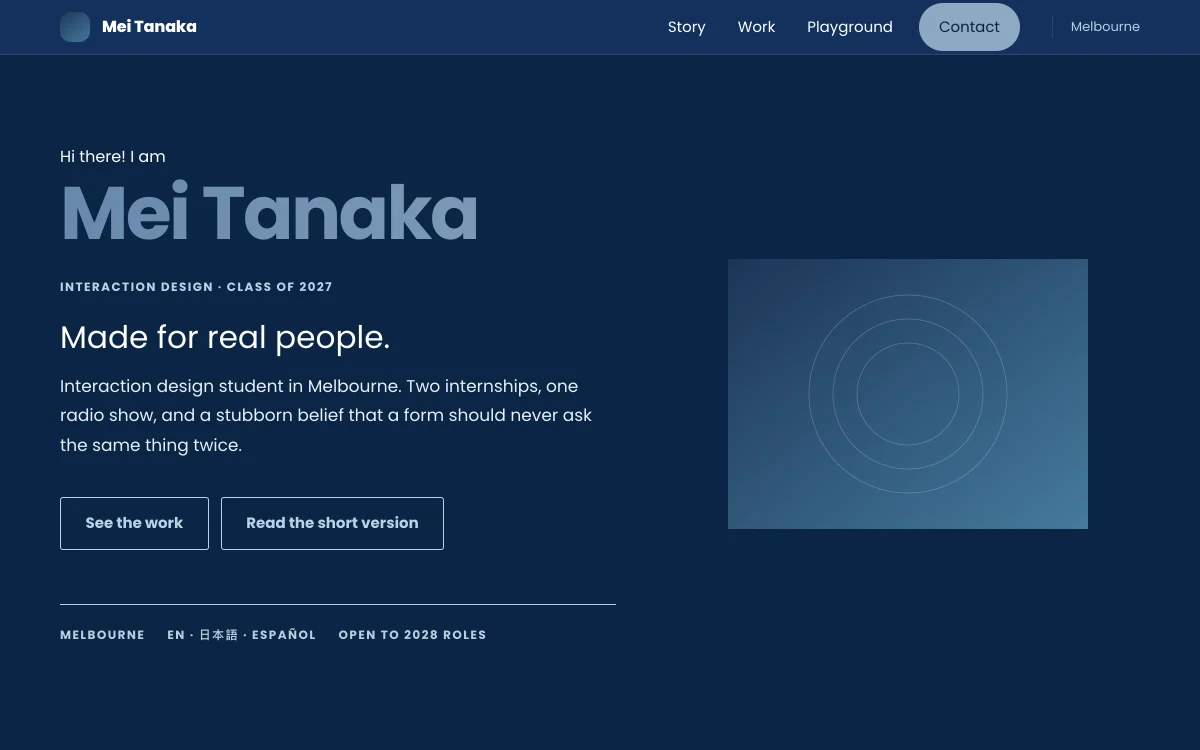
Deep sea blue from top to bottom, with a greeting and your name on the left of the first screen and your photo on the right. Your name and the section titles carry a slowly moving gradient, and projects sit in three columns of cards. The top bar is thin and turns solid as you scroll.
Best for: Job seekers who want a dark page that still looks formal, in product, operations, sales or consulting, and graduates making their first personal page.
Chronicle
Professional- Centred cover card
- Rounded project cards
- Floating envelope
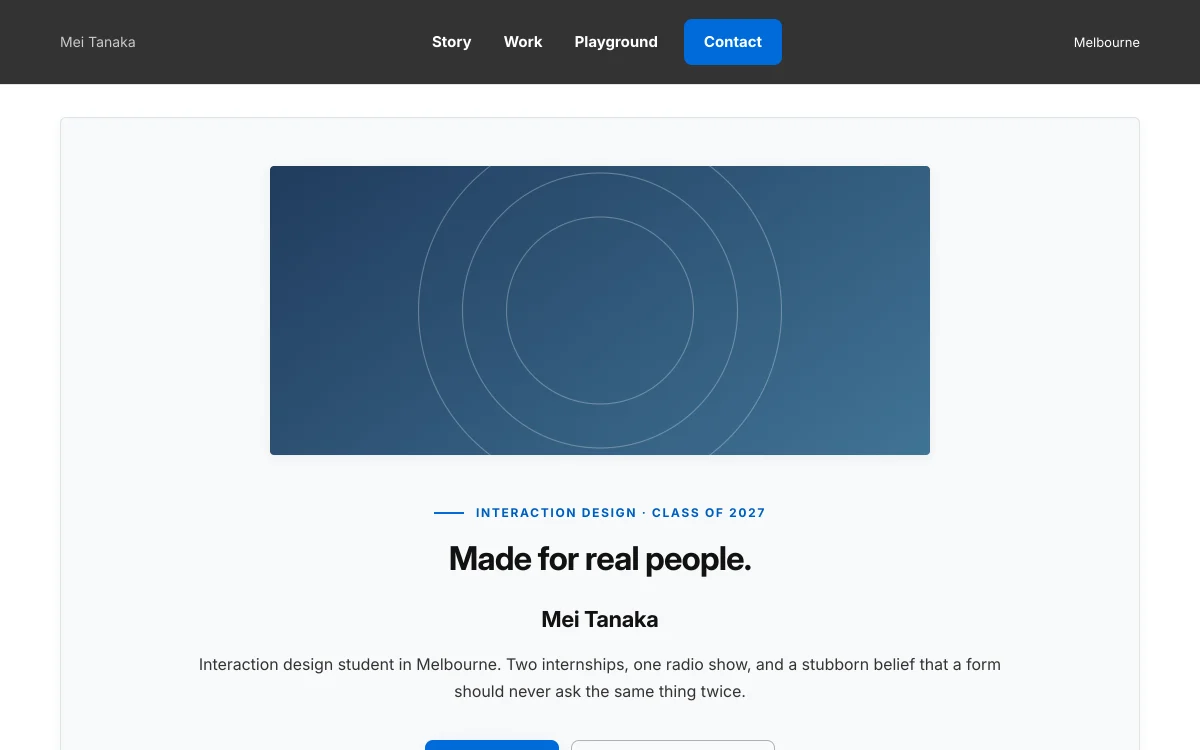
Under a dark grey masthead sits a centred cover card, your picture on top and the headline and your name beneath it. Projects are three columns of rounded cards with plain blue buttons. In the contact section an envelope floats up and down while a few stars twinkle around it.
Best for: Anyone who wants a tidy page everybody can follow: job seekers in education, administration, healthcare and the public sector, or people making a first site who would rather not think about style.
Nightfall
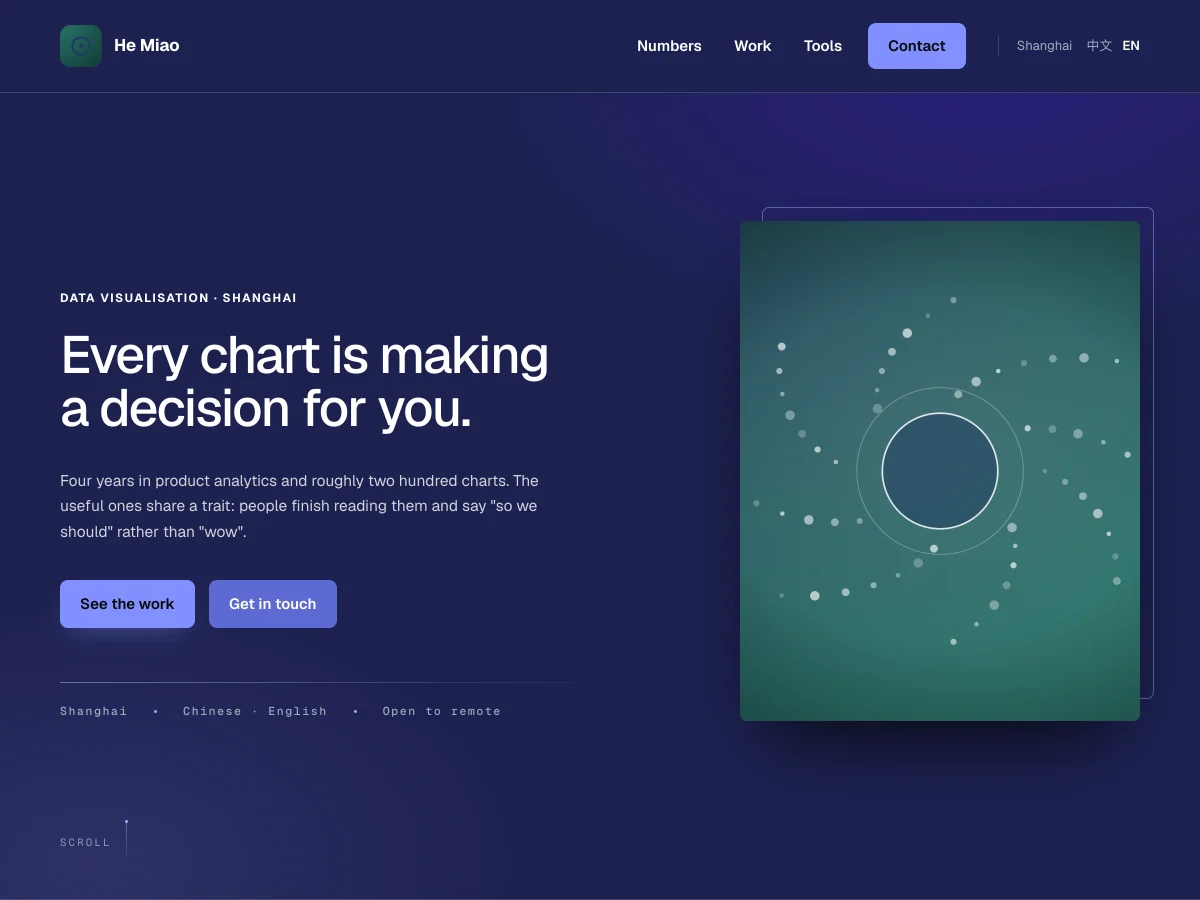
TechHas a full example site- Dark canvas
- A glow on the first screen
- Cards that light up
Near black from top to bottom, with one indigo for what matters and a crisp, light sans. The first screen fills the window with a slow glow moving through it, and sections arrive like a lens finding focus. Figures and pictured projects sit on hairline cards that light up under the cursor, and the figures count up.
Best for: Product, analytics, software and AI people, and founders. For when the page itself should look current and show there is data behind it.
Handbook
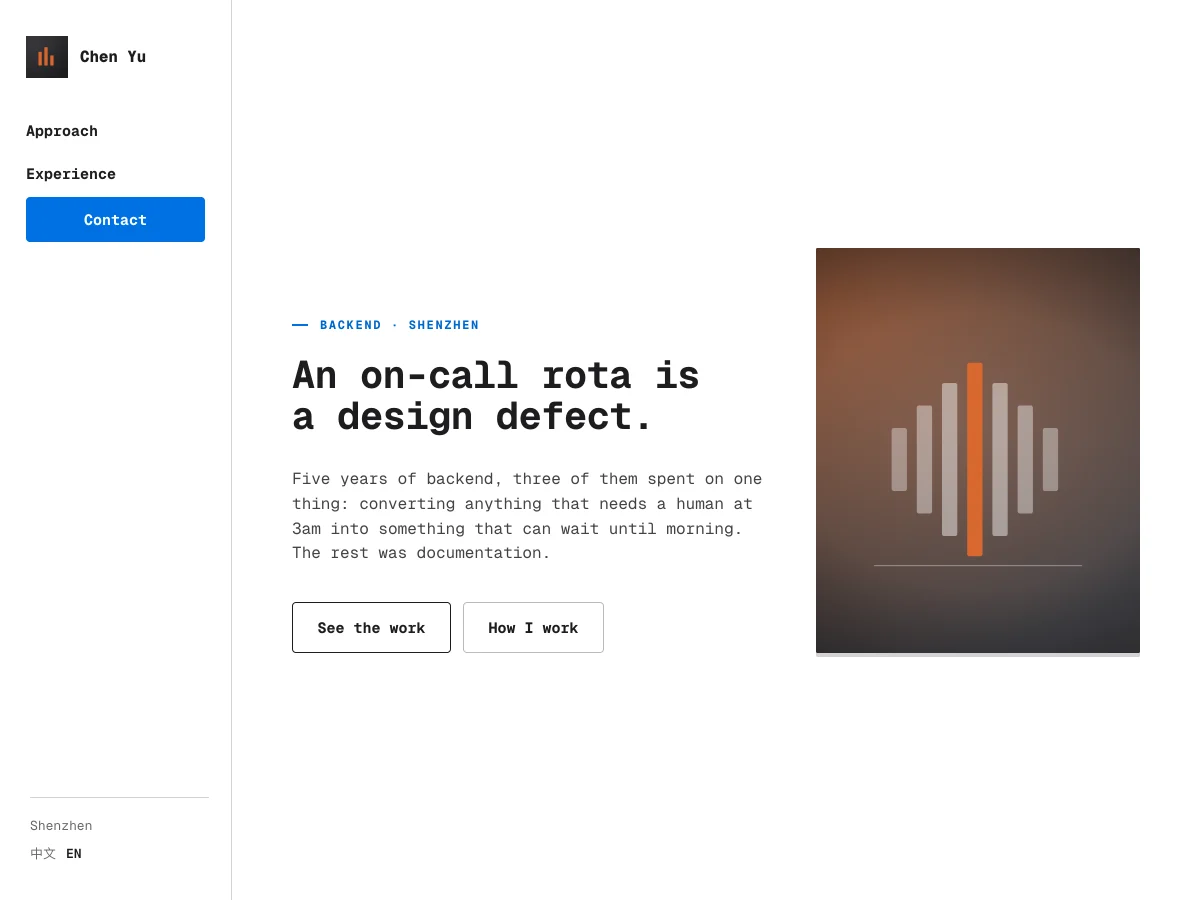
TechHas a full example site- Monospaced type
- Side index
- Timeline
Everything is set in a monospaced face, black on white, with blue for links only. The menu is an index down the left side, the sections run on as one sheet divided by hairlines, and experience follows a timeline. Buttons are outlined, so the page reads like clear documentation.
Best for: Backend, infrastructure, embedded and data engineers, and computer science students applying for internships or graduate roles. For work that explains itself and needs no decoration.
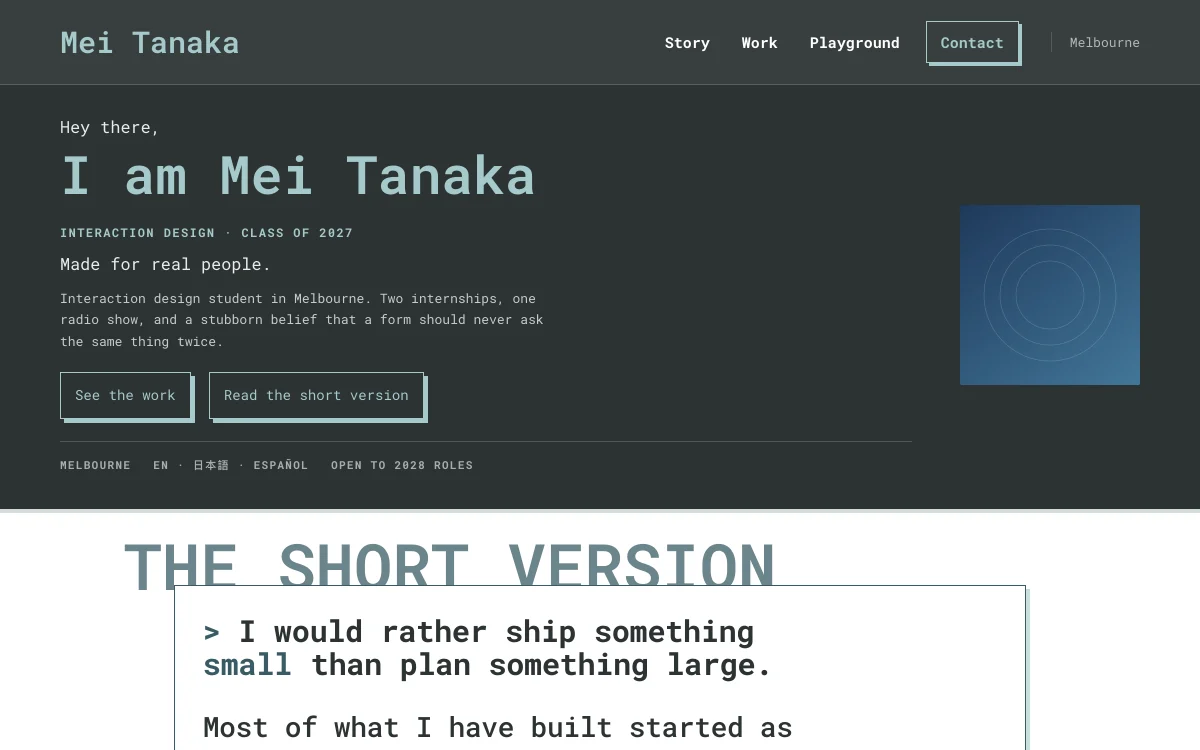
Blueprint
Tech- Outlined panels
- Hard shadows
- Sliding menu
Monospaced type, flush left on a dark slate first screen. Every section below is an outlined panel with a hard offset shadow, its name sitting across the panel's edge like a label on a drawing. On a phone the menu slides in from the side and fills the screen.
Best for: Front-end, full-stack and independent developers, and engineering students in hardware or mechanical work. Pick it for the feel of a technical drawing without a page that is dark all over.
Shell
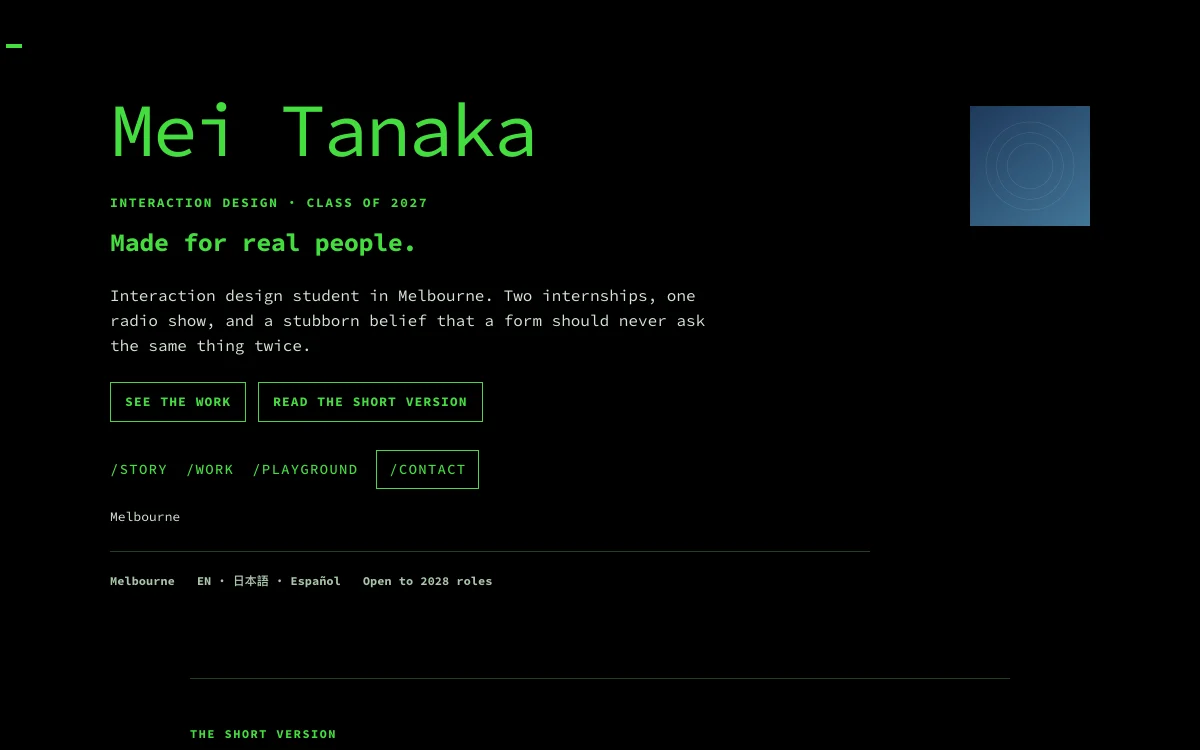
Tech- Green on black
- Command menu
- Blinking cursor
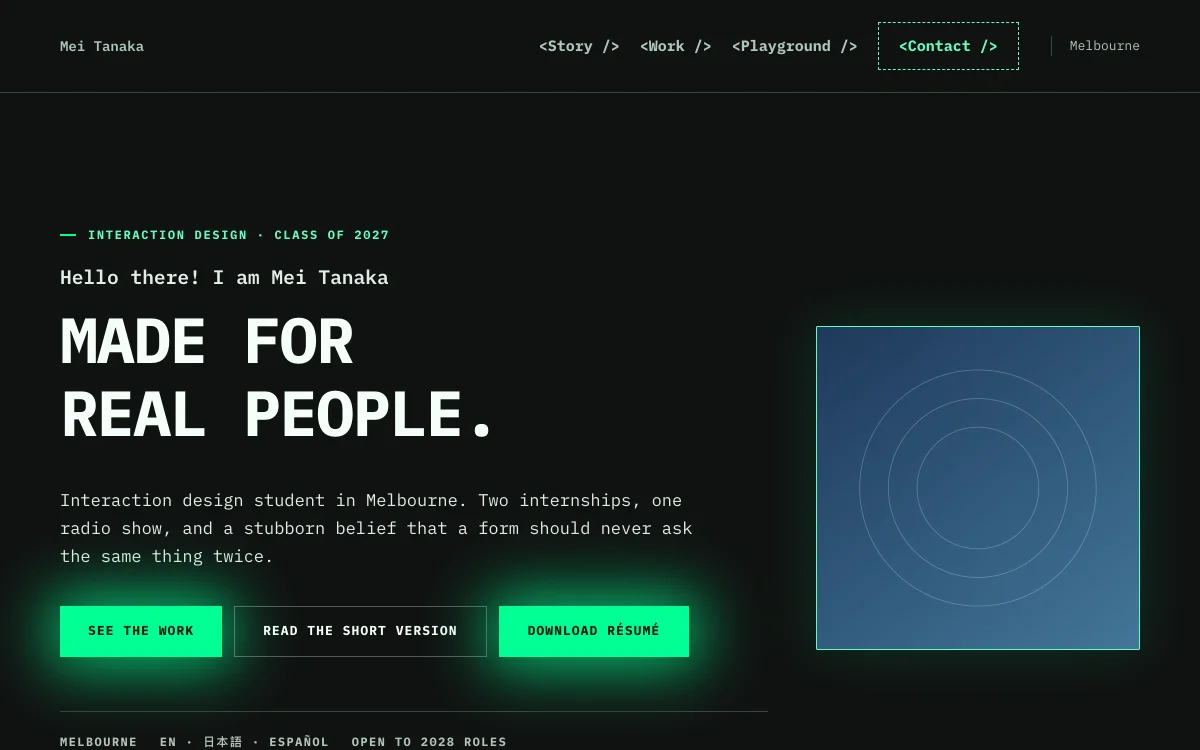
Green on black in a monospaced face, so the whole page reads like a terminal. The menu is a row of slash commands inside the first screen, and a cursor blinks in the window's top-left corner. Section titles start with a slash, and each card ends in a dark strip with a file path.
Best for: People who write code: backend, operations and security engineers, and students who compete or work on open source. For a page that says you are technical the moment it opens.
Signal
Tech- Glitch title
- Neon dashed rules
- Light that follows the cursor
Neon green and violet on a dark ground in a monospaced face, with the menu written like code tags. The big first-screen title glitches, two offset copies flickering in green and violet, and each section title sits over a dashed neon rule. Inside the service cards a soft green light follows the cursor.
Best for: Front-end, game, security and creative-coding developers, and students who take part in hackathons. Pick it if you want a page with some edge and some fun.
Bold
CreativeHas a full example site- Huge headline
- Scroll progress bar
- Stacked roles
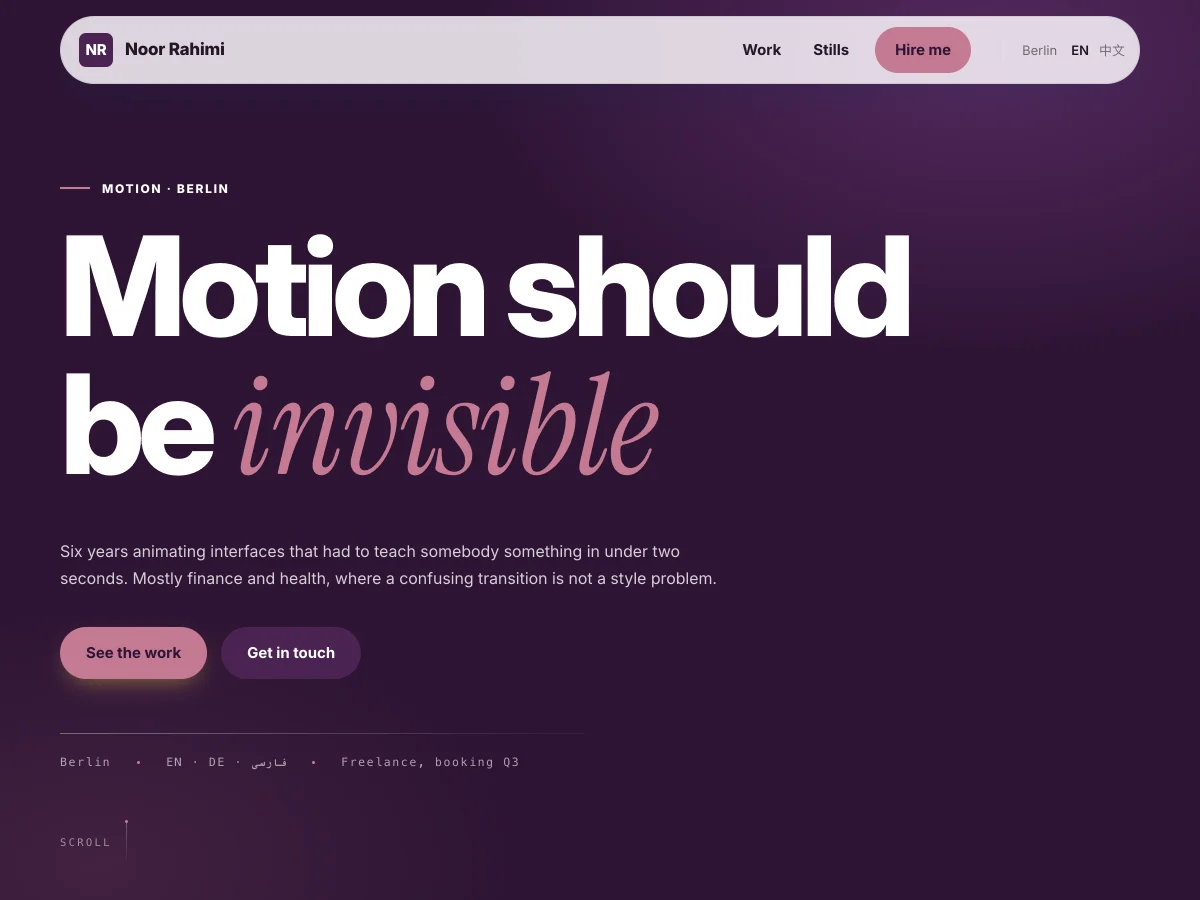
A full-window first screen with a headline of a few words at the largest size, on deep plum. A progress bar runs along the top as you scroll, buttons lean toward the cursor, and a short career stacks card over card. The menu floats as a pill.
Best for: Visual, interaction and illustration designers, filmmakers and freelancers. For work that is its own argument, where every project deserves a page of its own.
Playground
Creative- Chunky cards
- Highlighter words
- A word that changes
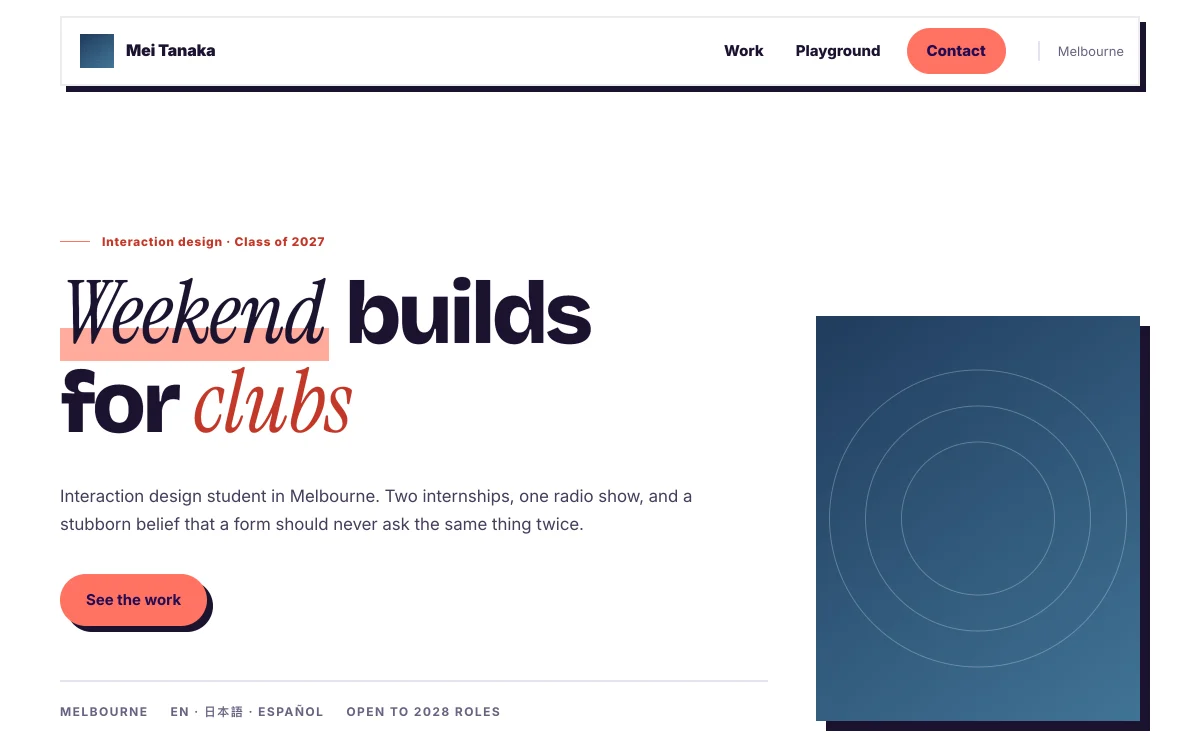
Heavy type in violet and coral, on cards with thick outlines and hard offset shadows. The headline can end on a word that keeps changing, and marked words get a highlighter stroke as they arrive. Portraits and covers tilt under the cursor, and sections slide in from alternating sides.
Best for: High school and university students and people just starting out, especially in social media, operations, education and illustration. For outgoing people whose work is fun to look at.
Showroom
Creative- Black first screen
- Gallery first
- Full-screen photos
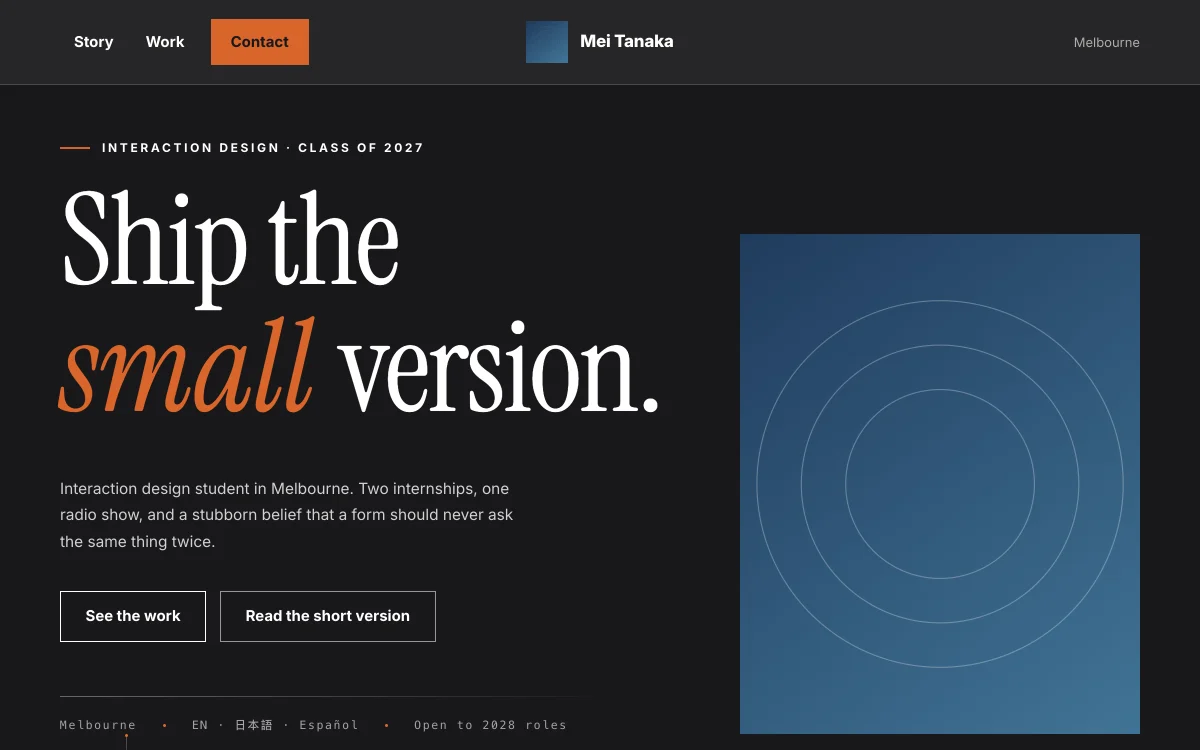
A poster-size fashion serif over a full black first screen, then bands of black and white, with one orange kept for what should be clicked. The gallery comes first, pictures are shown at full size and open full screen, and section titles arrive word by word.
Best for: Photographers, fashion and spatial designers, and filmmakers. For work that photographs well and should be seen before it is read.
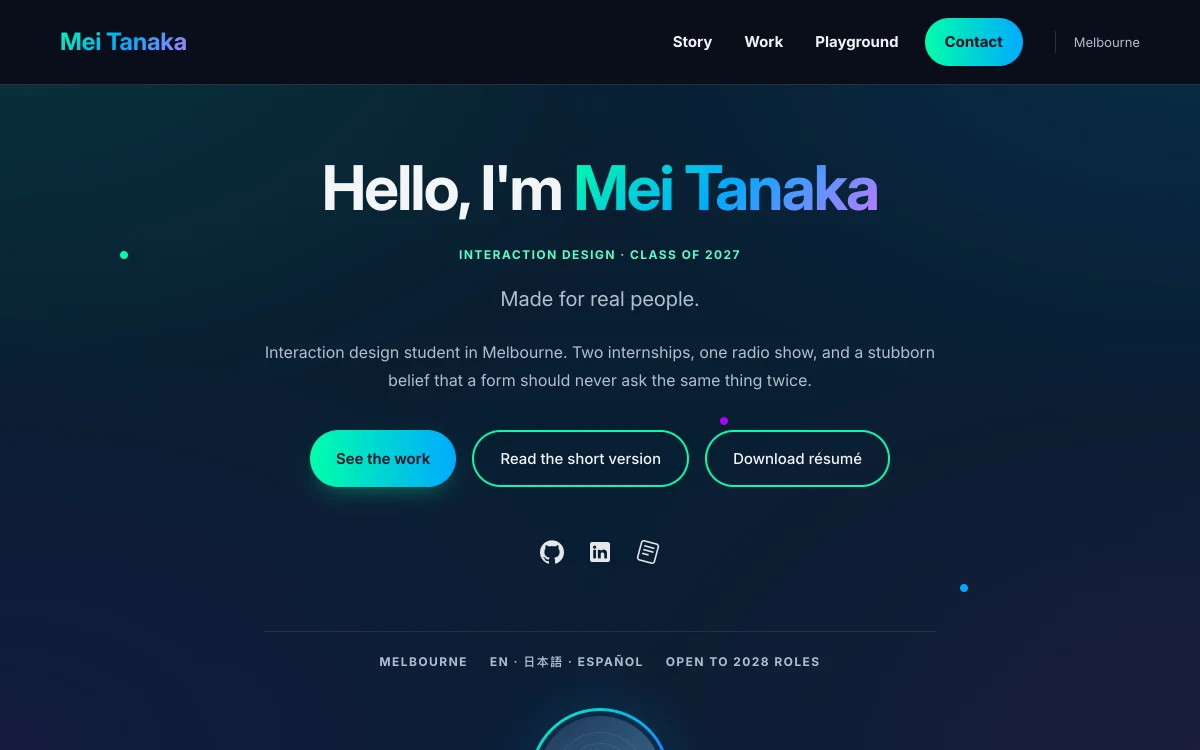
Polar
Creative- Flowing aurora
- Gradient name
- Glowing cards
A slow aurora flows across a dark background. The first screen is centred, your name in a green, blue and violet gradient, with a few points of light drifting up and down. Experience runs down a dotted timeline, and projects are three columns of glowing cards that lift under the cursor.
Best for: Creators in games, motion, 3D and digital art, and students building AI products who want a page with a futuristic feel.
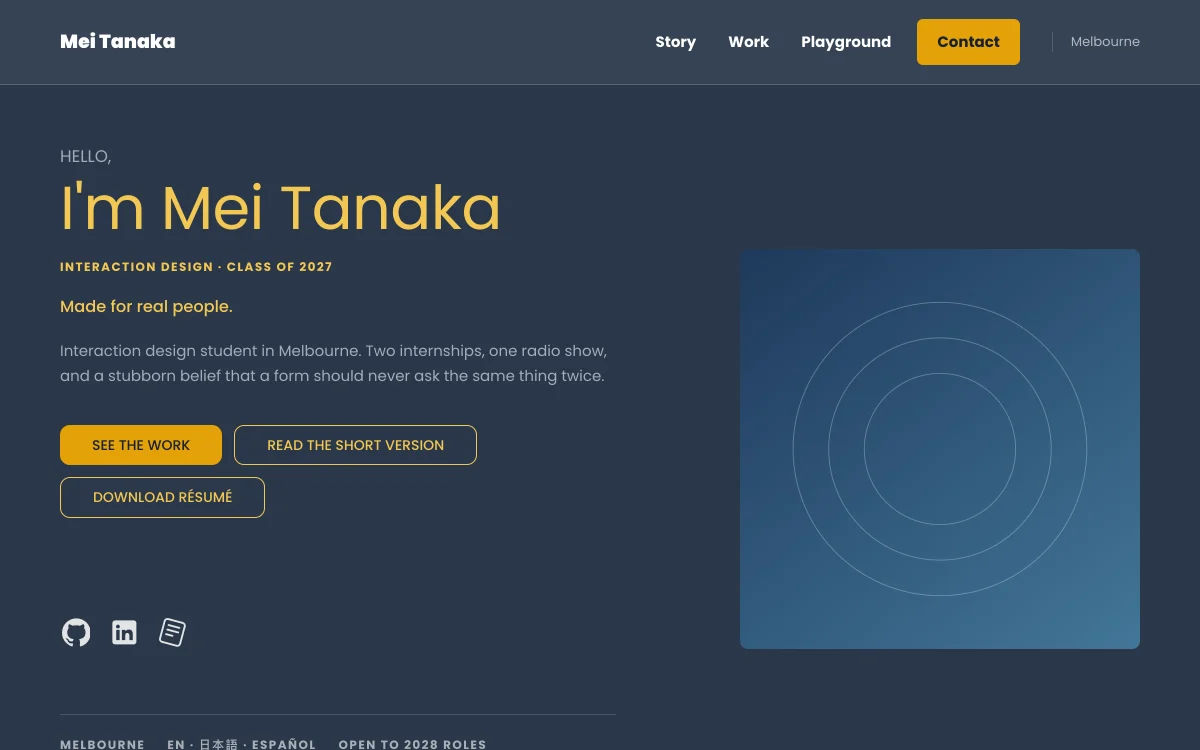
Mosaic
Creative- Amber first screen
- Service cards
- Draggable carousel
Navy with amber, a greeting and your name on the left of the first screen and your photo on the right. Below it the page turns light: how you work is laid out on dark service cards, and projects form a carousel you drag through one at a time, with dots to jump between them.
Best for: Freelancers and small studios who take on clients in web design, branding, photography or copywriting. For saying what you offer first and then showing the work behind it.
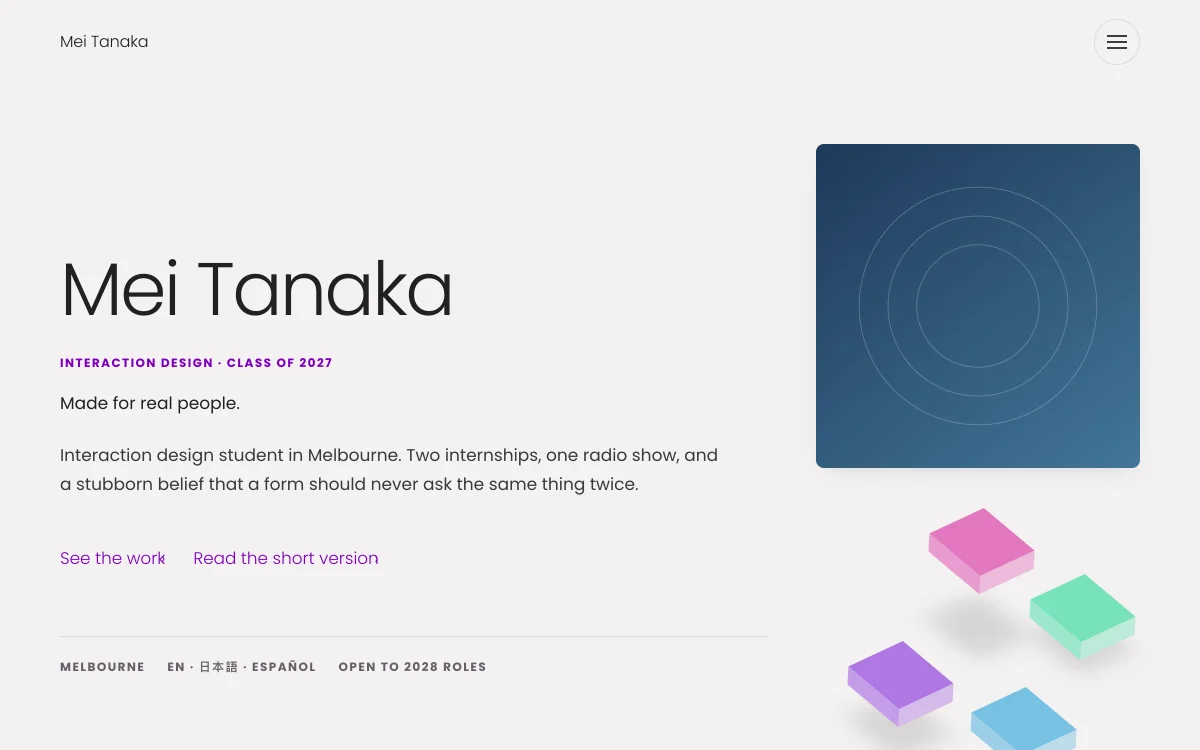
Canvas
Creative- Coloured cubes
- Two wide columns
- Round menu button
Thin type and an airy first screen, with four small purple, pink, green and blue cubes under the photo. Projects are two columns of wide white tiles with centred titles. The menu folds into one round button at the top right, and almost nothing on the page moves.
Best for: Students of UI, product and graphic design, and anyone with a few pieces who wants space around each one. For a clean, bright page with a little playful colour.
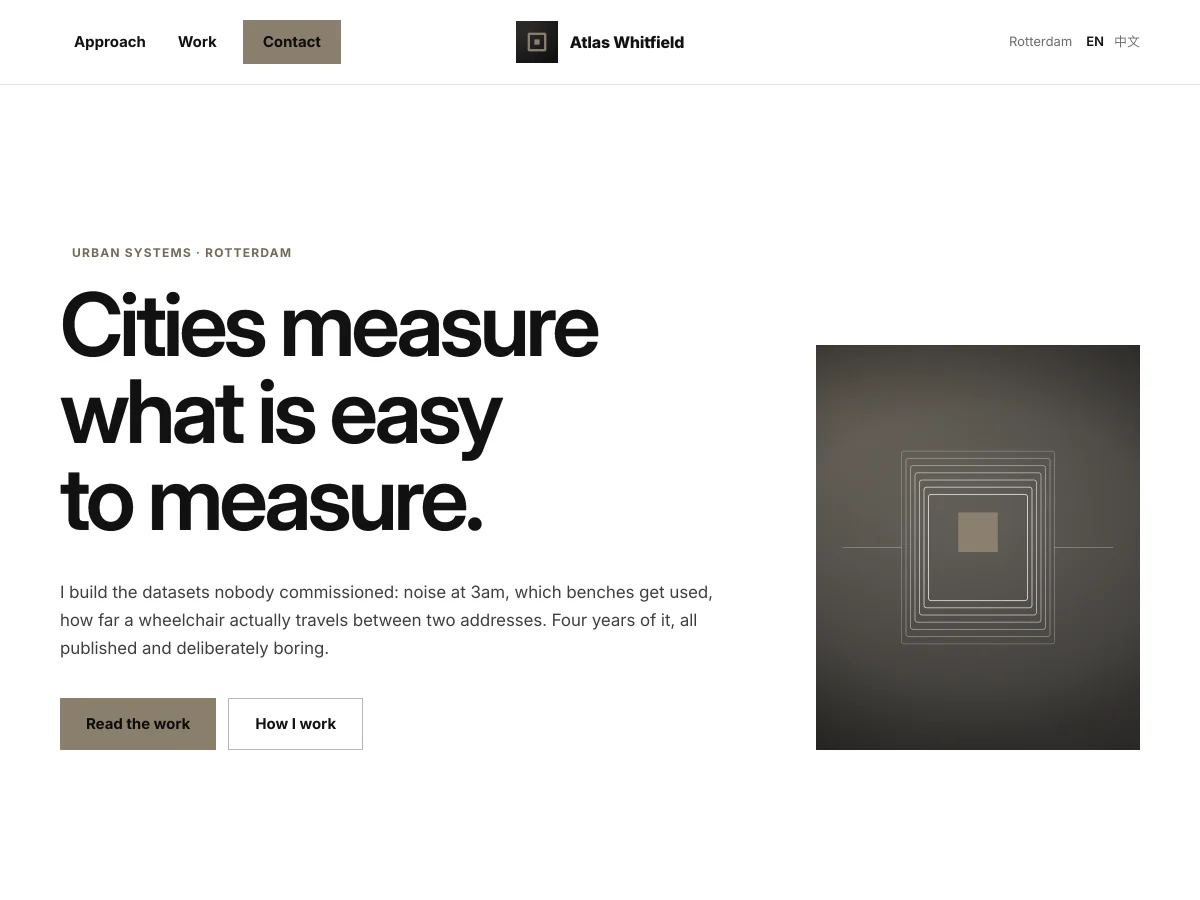
Swiss
Minimal & editorialHas a full example site- Grid layout
- No effects
- Square corners
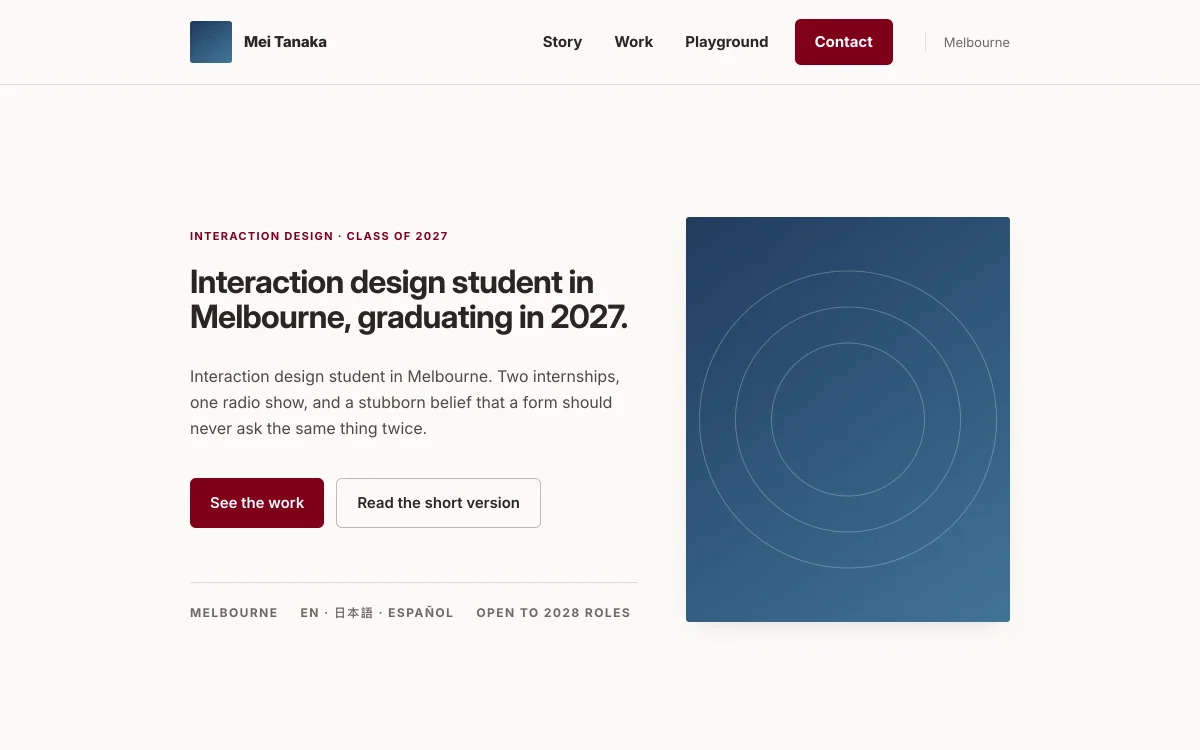
Built on a grid with flush-left type and almost no colour, only one warm grey. Square corners, no shadows and no effects, just a soft fade as you scroll. The page is one light sheet with hairlines between the sections.
Best for: Researchers, academics, and people in policy, data and user research. For work that has to be read carefully and checked.
Gazette
Minimal & editorialHas a full example site- Newspaper serif
- Numbered chapters
- Lines that light up
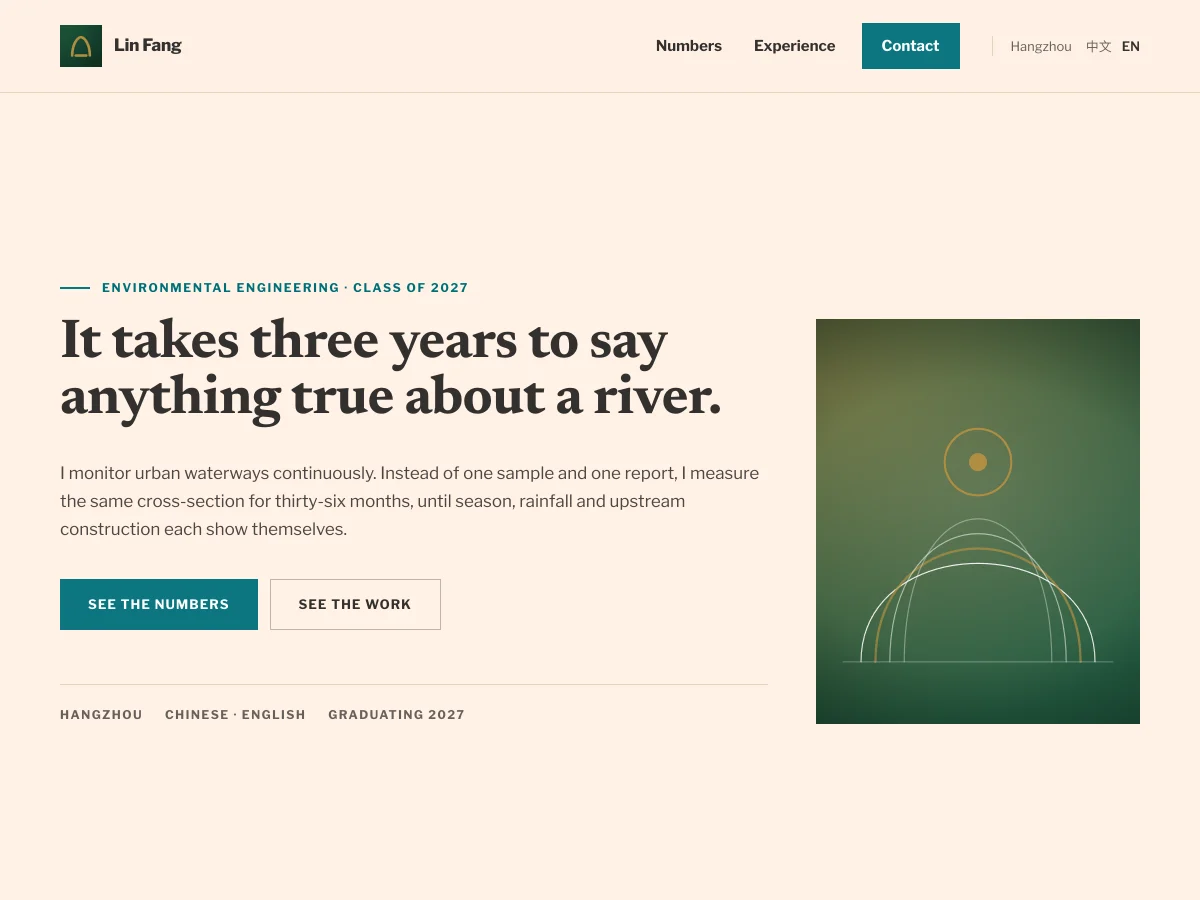
A newspaper serif for headlines and text on pale apricot paper, with teal for the labels and the main button. Rules divide the sections, which are numbered in the margin like chapters, and the opening paragraph lights up line by line as it is read. The page reads like a feature written about you.
Best for: Graduates and job seekers with a clear timeline, and people in journalism, writing, education and social science research.
Quiet
Minimal & editorial- Narrow column
- Timeline
- A touch of wine red
A narrow column of small, even type on off-white paper, warm grey with a touch of wine red. The page is one light sheet with hairlines between the sections, and experience runs along a timeline. The only motion is each section rising quietly into place.
Best for: Students applying for a master's or a PhD, and people in consulting, law, medicine or economics with a long record to read. For when the words should do the work.
Margin
Minimal & editorial- Centred name
- # headings
- Three-column cards
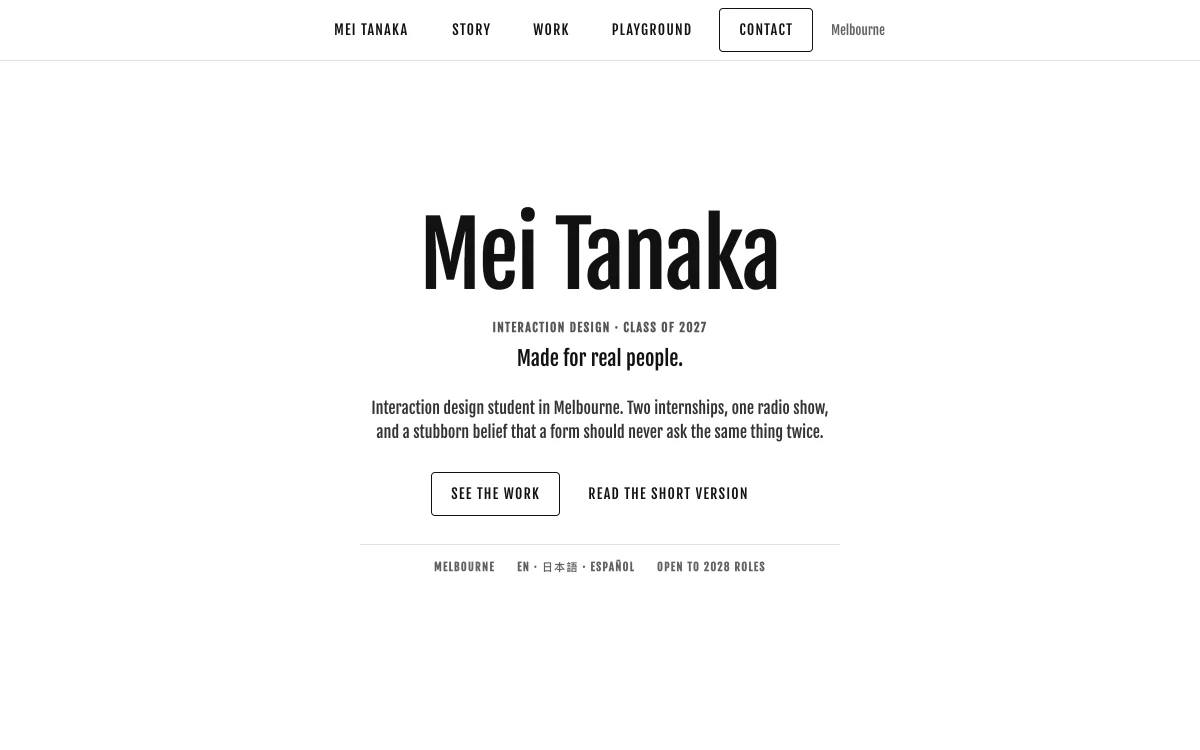
The first screen holds only your name, your role and a short introduction, centred in plenty of white space, with a Latin name in a tall condensed face. Section titles start with a #, and skills, projects and interests sit in three columns of shadowed cards that each rise into place.
Best for: People without much to show yet who want their name and one line front and centre: university students, internship applicants and career changers.
First Light
Minimal & editorial- Lavender first screen
- Hand-drawn name
- Rotating testimonials
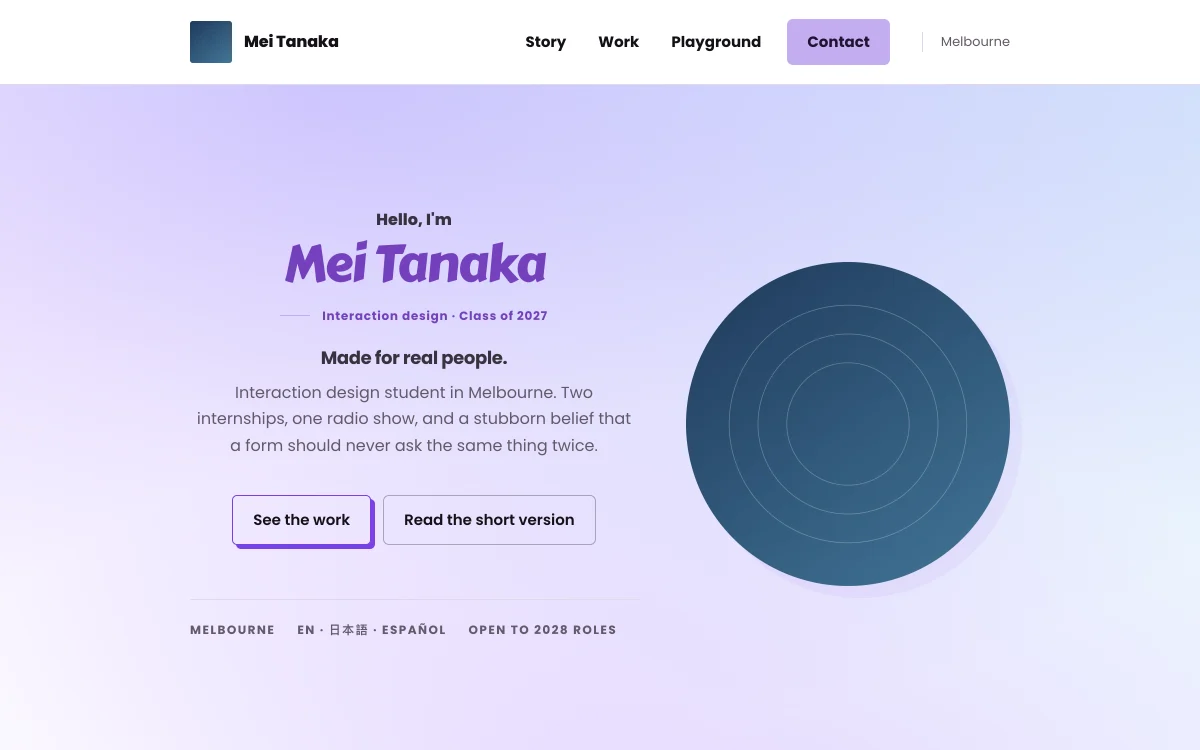
A lavender to pale blue first screen with a greeting above your name in bold violet, a Latin name set in a round, hand-drawn face. Buttons carry a hard violet shadow, and projects sit on small white rounded cards. Real testimonials form a full-width violet band, and several of them take turns.
Best for: Students, interns and new graduates making their first personal page, and teachers, coaches and advisers with words from students or clients to show.
Index
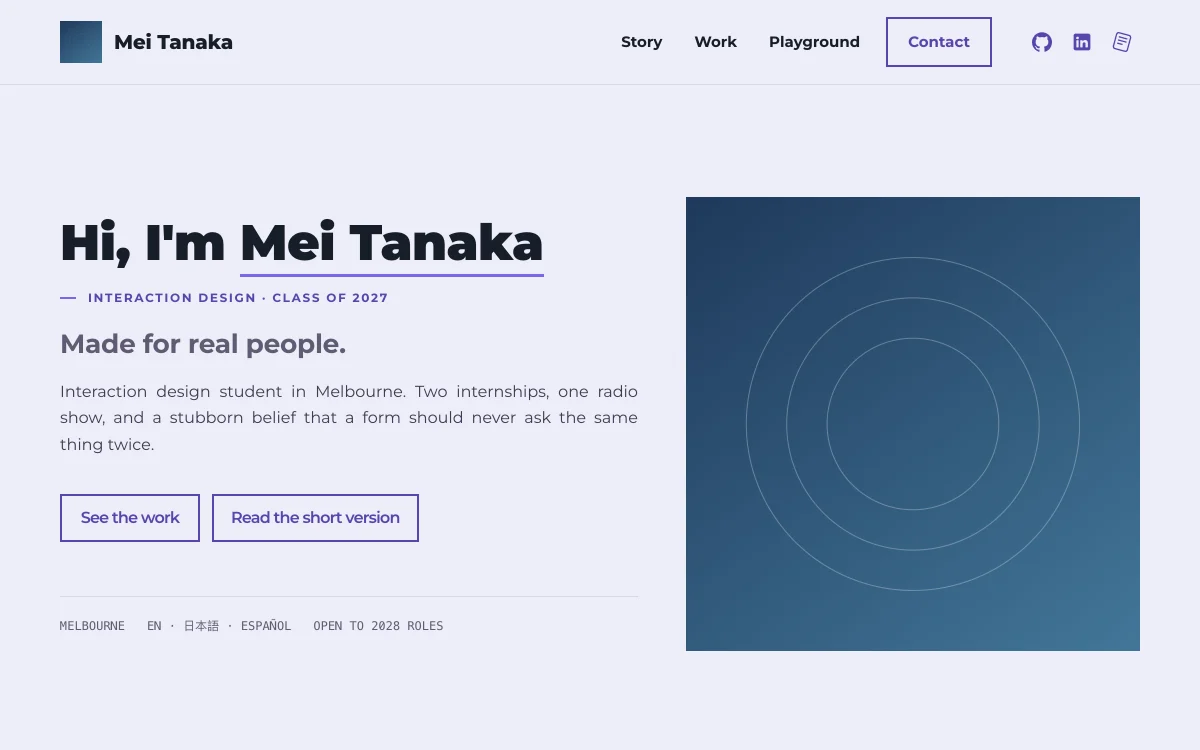
Minimal & editorial- Underlined name
- Skill matrix
- No animation
A pale lilac ground and a first screen that opens with "Hi, I'm", a thick purple line under your name and your photo on the right. Skills form a matrix of big bold words, and projects sit in a quiet two-column grid. Nothing animates, and the order of things is clear at a glance.
Best for: People with many skills to list at once, such as job seekers in data analysis, testing, IT operations or finance, and anyone who prefers a page that keeps still.
Folio
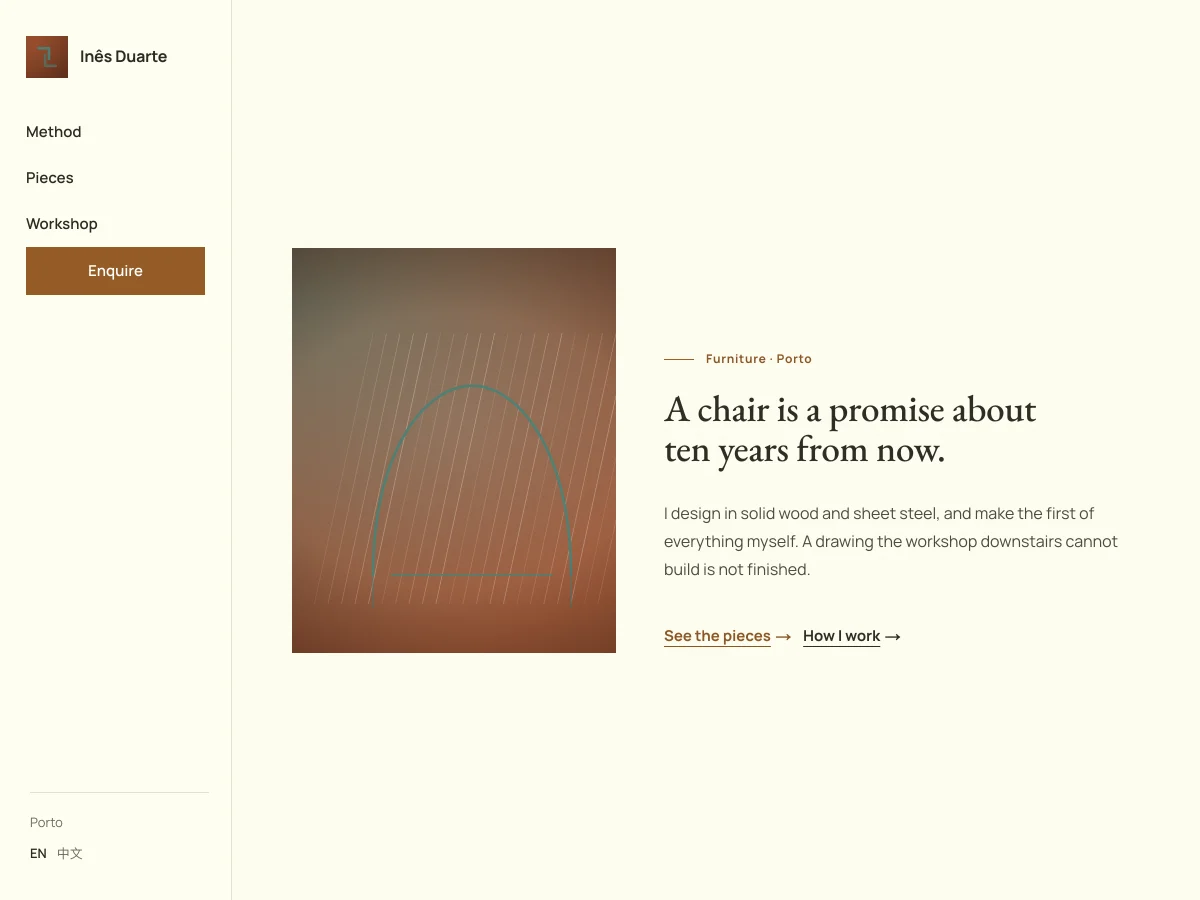
Warm & craftedHas a full example site- Paper grain
- Side index
- Text-link buttons
A light classical serif on cream paper, olive ink with one leather brown, under a fine paper grain. The menu is a narrow index at the side, and the buttons are plain text links. The work comes first, pictures are shown at full size, and the gallery's photos open full screen.
Best for: Makers and industrial, spatial and furniture designers, and anyone whose long pieces are carried by drawings. For work a reader should take slowly.
Petal
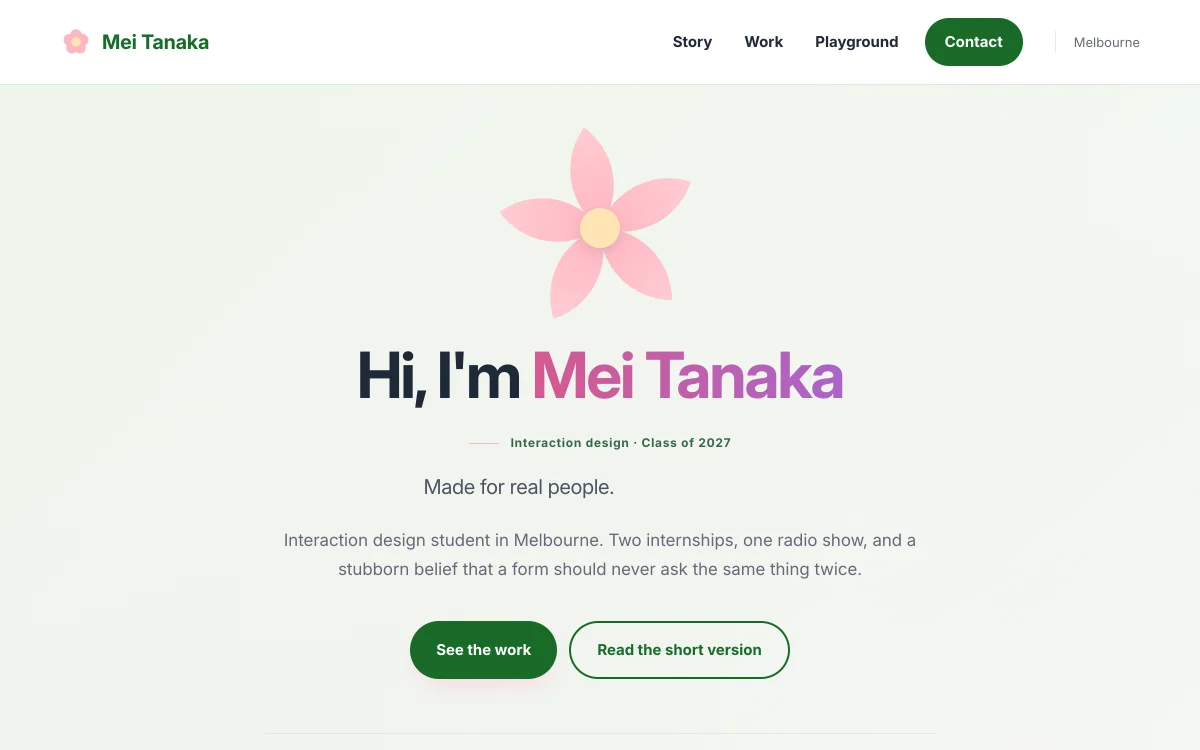
Warm & crafted- Blooming flower
- Pink to violet name
- Colour skill circles
A pale pink and green background and a centred first screen, where a five-petal flower blooms and then sways above your name in a pink to violet gradient. Skills are drawn as four coloured circles, projects are three white cards with pastel tops, and the main button is leaf green.
Best for: People in illustration, floristry, baking, crafts and early-years teaching, and design students who want a soft, friendly page.